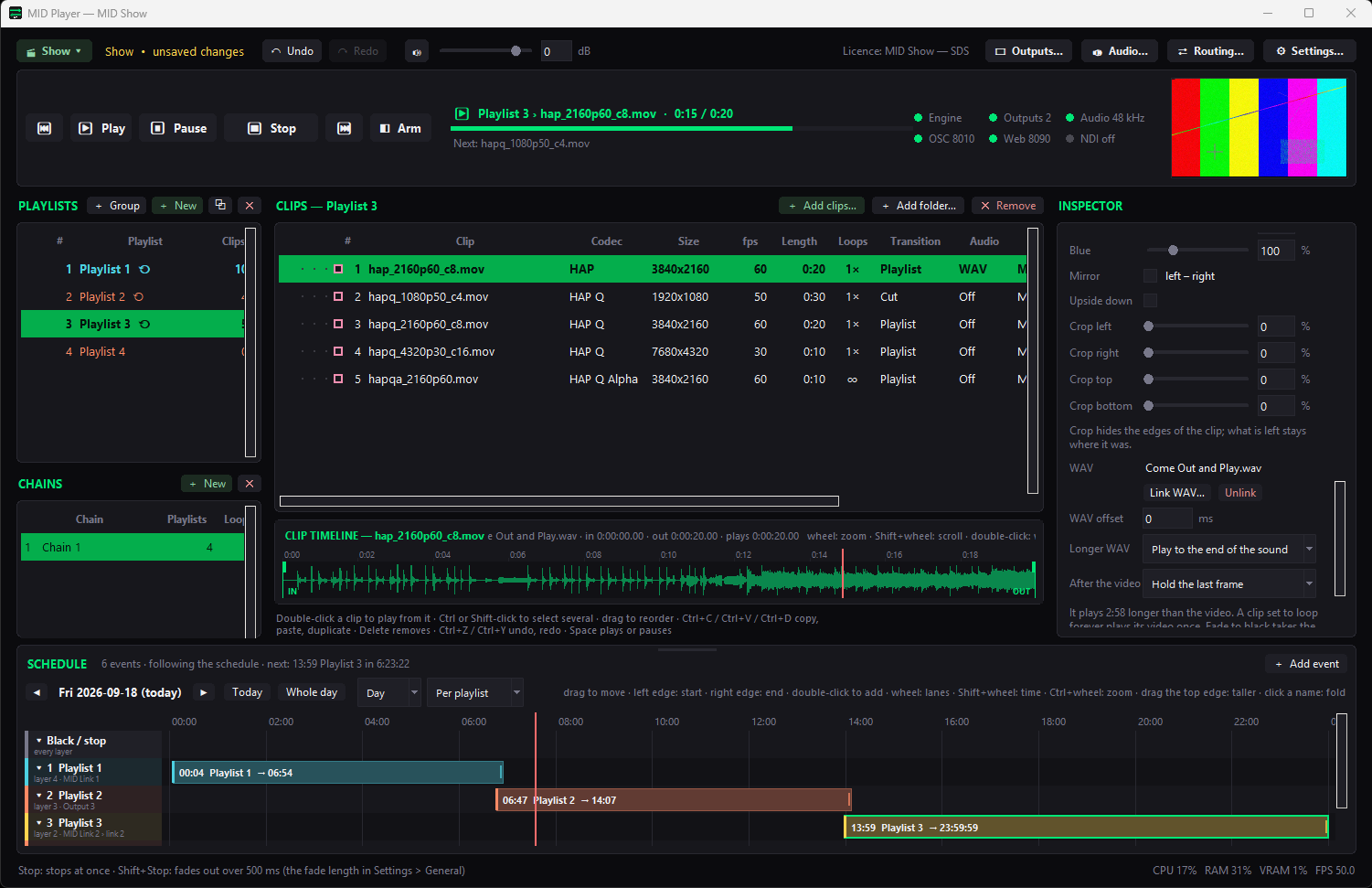
Built for live-event video operators
MID Convert batch-encodes footage to HAP, HAP Q, DXV 3 and many other codecs for media servers — with a built-in test-pattern generator, LED pixelmap and cabling planner, LTC timecode generator and folder sync, all in one toolset.
Four tools, one window each
MID Convert is the main batch converter. Three companion tools open alongside it from the same toolbar — no separate installs, no tab-switching inside one crowded window.
SMPTE/EBU bars, moving patterns, zoneplate, step wedge, PLUGE, crosshatch and HDR HLG/PQ ramps, with logo and text/timecode overlays. Bit-exact LTC (SMPTE 80-bit, drop-frame aware) timecode export, a live timecode clock, and a beep+flash A/V sync generator with calibrated offset testing. Background render queue with JSON presets for repeat setups.

Lay out canvases and pixelmaps for LED walls, generate lettered/numbered alignment grids sized to the real panel resolution, and plan power/data cabling with auto-snake routing across rows or columns — export the canvas or the pixelmap straight to your render pipeline.
A searchable pattern library — Align Grid, crosshatch, zoneplate, step wedge and more — rendered at your exact target resolution with an accurate preview that matches the real encoder output, not an approximation.

Mirror, update or two-way sync folders — including network shares — with a compare view before you commit, per-file exclude rules, and optional scheduled background runs so show assets stay current across machines automatically.

A/V Sync
Generate a beep+flash test clip with a burned-in offset label, or import an existing export to scrub it in a dedicated frame-accurate player — so an A/V sync issue is a number you can read, not a guess.
Licences are sold through Polar.sh. Try the installer, then unlock the full toolset with an activation code.