Digital signage player
A television, monitor or tablet with nothing but a browser opens one address and plays its own playlist from MID Player. It keeps its films on the screen itself, plays on when the connection is gone and starts again by itself after a power cut. You set up, watch and steer every screen from one window.
How it works
A screen can only read its own group's list. It can never change the show.
Built to keep playing
What a screen plays
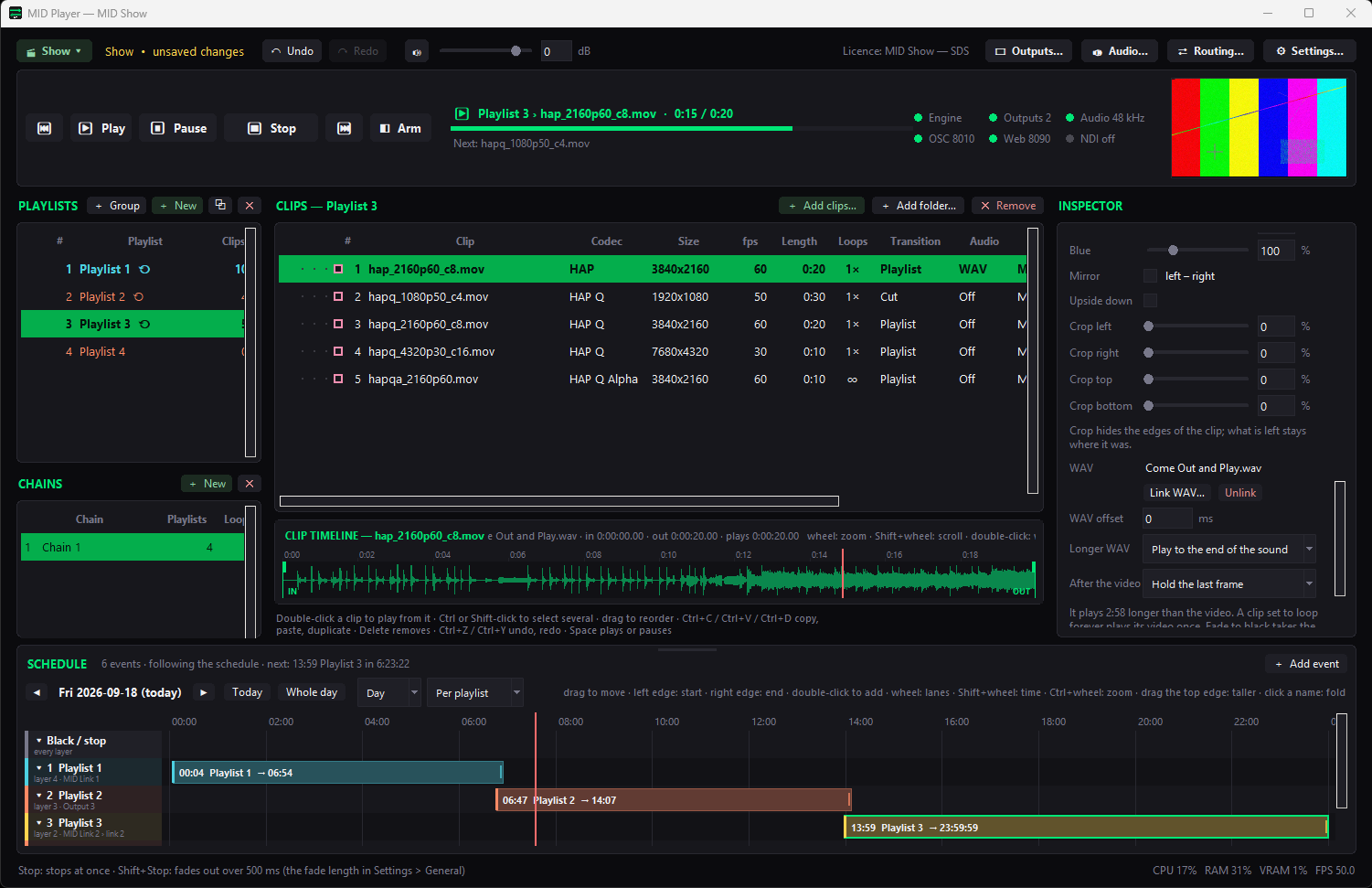
A screen group plays one playlist of your show, a group of playlists one after another, or the time schedule across several playlists — with the next hours of it kept on the screen in advance. Screens of one group stay in step with each other.
A group can also show the live show over MID Link, and play its playlist whenever there is no live picture.
Choose per screen group whether the screens play sound.
Besides films prepared from your show, you can hand a screen group your own MP4, WebM, JPEG, PNG or GIF files.
Control
Every screen reports by itself what it is doing, under its own name in MID Player, and a line turns yellow when a picture stands still or a screen stops answering. From the same window you can act on each television, or on all of them at once.
Next to the screens
Signage is part of MID Player, the HAP video player for shows. The screens that need a picture mapped onto a wall or an LED processor are fed by the outputs of the very same show, and the television in the lobby plays its own playlist from the same window. Use the web page at midtech.be/signage on the screens.
Questions
Only a browser. A smart television, a monitor with a small computer, or a tablet that can open a web page is enough. Nothing is installed on the screen.
The screen keeps the films it needs on the screen itself and plays on. It also starts again by itself after a power cut.
Yes, on your own network: MID Player can act as the meeting point itself, so the page, the sign-in and the films all come from your computer. A television elsewhere uses the midtech.be address.
Yes. Every screen reports what it is playing, how far it is in the clip and whether something is wrong, and sends a small live picture. You can show them as cards, a wall of tiles or lines.
Yes. Screens belong to screen groups, and every group plays its own playlist, group of playlists, schedule or the live show. You choose the group of a television from MID Player.
MID Player prepares the films of your show in a format the screen can play (VP9 or VP8 WebM, or H.264 MP4 where the build allows). You can also give a group your own MP4, WebM, JPEG, PNG or GIF files, which are handed over untouched.
Included in the Show tier together with MID Countdown, MID Sync and MID Generator, and in Full Suite. Try the installer first; it runs in trial mode until you activate a code.
NDI® is a registered trademark of Vizrt NDI AB. ndi.video